Learn how to set a still background or animation as your chat wallpaper in Apple Messages on an iPhone, iPad, Mac, and Apple Watch for a bit of flair in your conversations.
How to set an image as your iMessage chat background

Learn how to set a still background or animation as your chat wallpaper in Apple Messages on an iPhone, iPad, Mac, and Apple Watch for a bit of flair in your conversations.
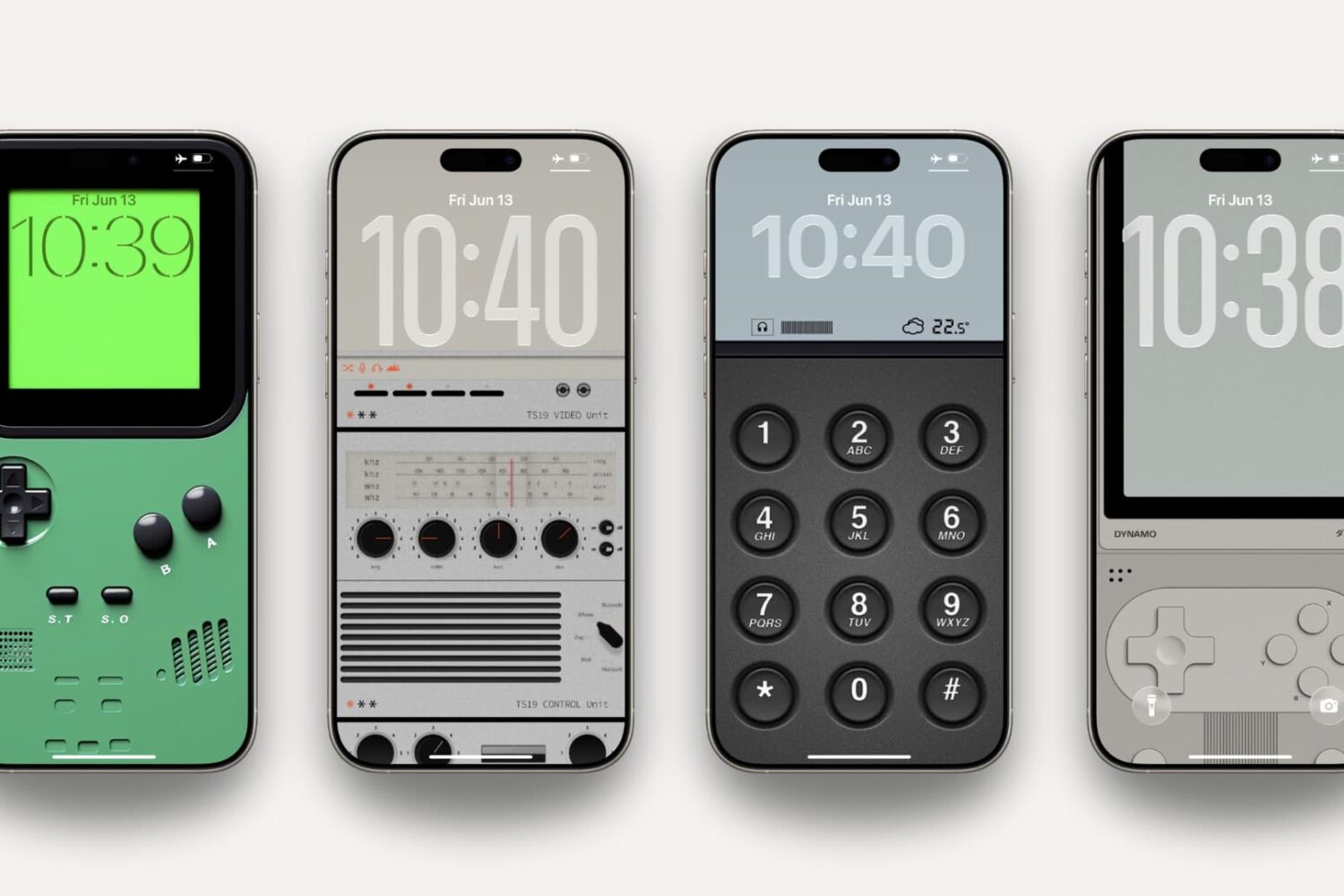
Take a nostalgic trip down memory lane with these retro tech wallpapers for iPhone, inspired by classic gadgets like Game Boy and other handheld gaming devices.

Learn how to stop your iPhone or iPad from automatically opening a full-screen image when taking a screenshot, and display a thumbnail in the screen corner instead, just like it used to be.

Learn how to create a bootable macOS Tahoe beta installer on a USB thumb drive to deploy macOS 26 on multiple Macs without downloading anything.

Learn how to stop incoming notifications for calls, texts and apps from pausing music playback on your iPhone or lowering the volume in your car.

Learn how to download and install the tvOS 26 developer beta on your Apple TV and try out the new features ahead of public release in the fall.

Learn how to see the file name of an image or video in the Apple Photos app on your iPhone or iPad to identify it faster when browsing files.

Learn how to minimize the new Liquid Glass transparency effects across the user interfaces on your iPhone, iPad, Mac, Apple Watch, and Apple TV.

Try these troubleshooting tips if you're having issues when you try to drag and drop items like text, images, and files and between apps on your Mac.
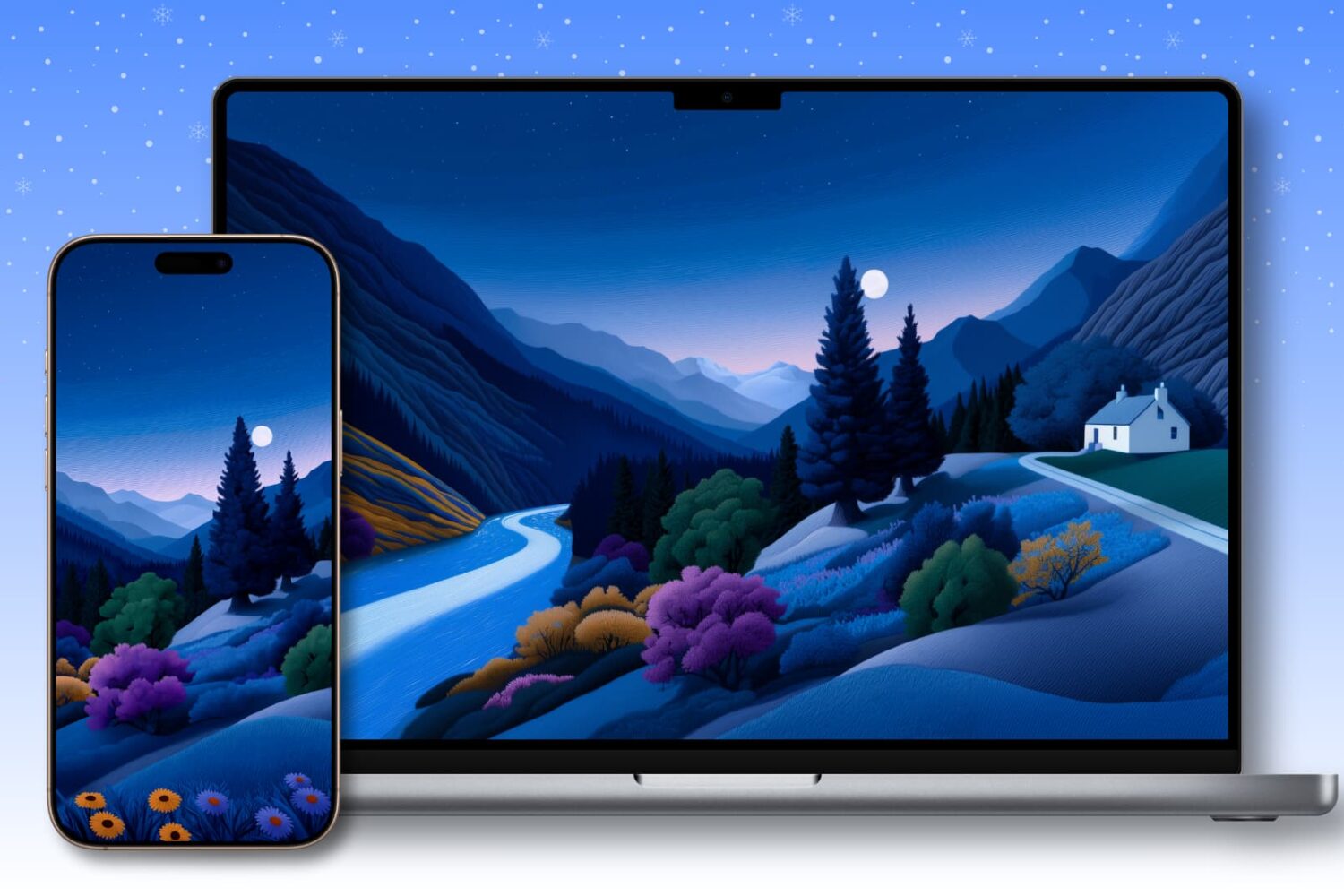
Spice up your iPhone, iPad and Mac backgrounds with these stunning artistic landscape wallpapers, adding a special flair to your Lock and Home Screens and desktops.

Try these troubleshooting tips to fix the iPhone's Action button not working, so you can quickly trigger actions like silent mode, visual intelligence, Magnifier, and more.

In this tutorial, we show you how to download and install watchOS 26 beta on your Apple Watch so you can be among the first to experience all the new features.