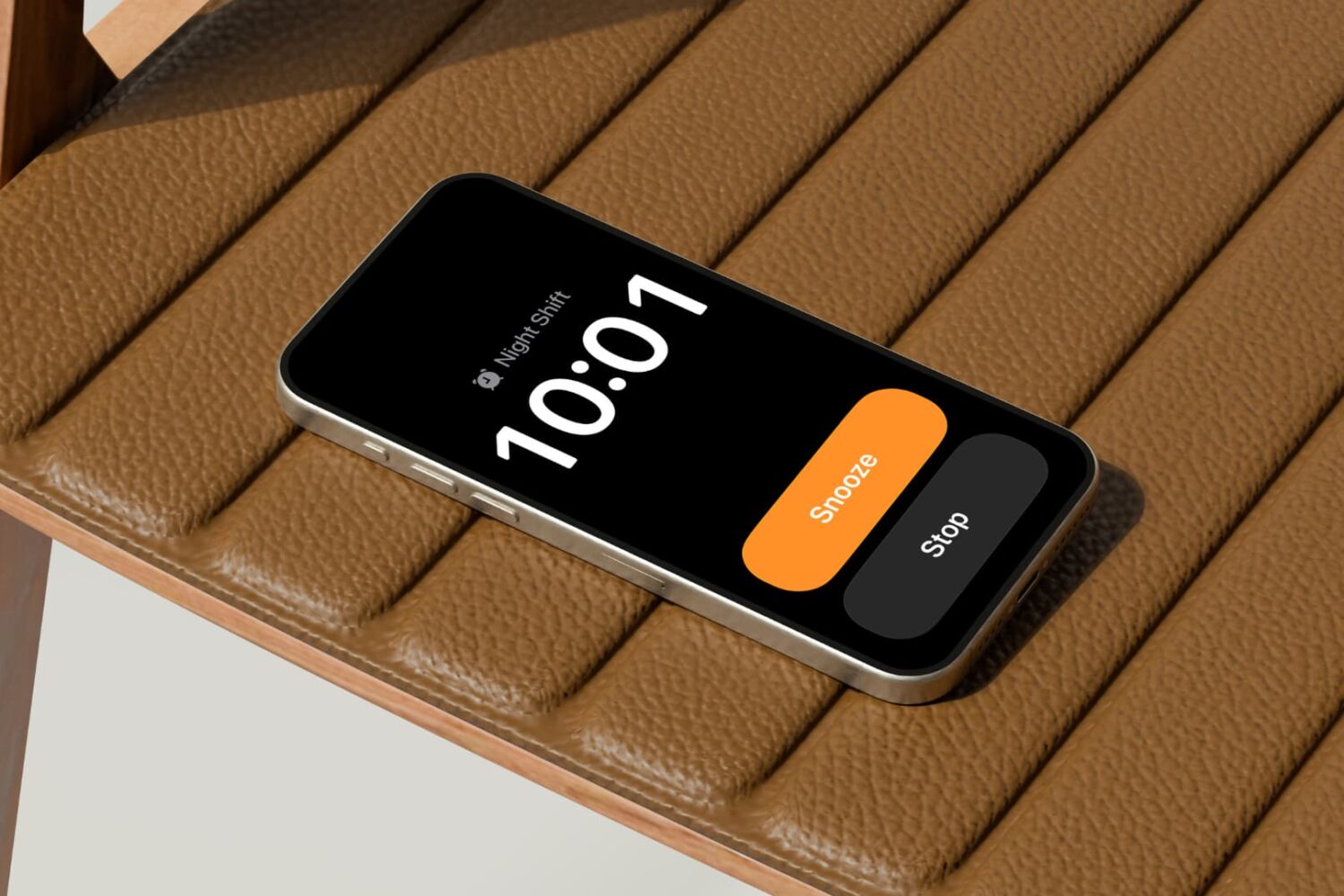
Learn how to set a custom snooze duration for alarms on your Apple devices, other than the default 9-minute snooze that has been in place since the original iPhone.
How to set a custom snooze duration for alarms on iPhone
Stay up-to-date on the latest Mac news, and tutorials. Get expert tips and tricks to optimize your Mac’s performance and learn about the latest Apple products and software updates. Discover the best Mac apps and accessories to enhance your user experience.
Learn how to set a custom snooze duration for alarms on your Apple devices, other than the default 9-minute snooze that has been in place since the original iPhone.
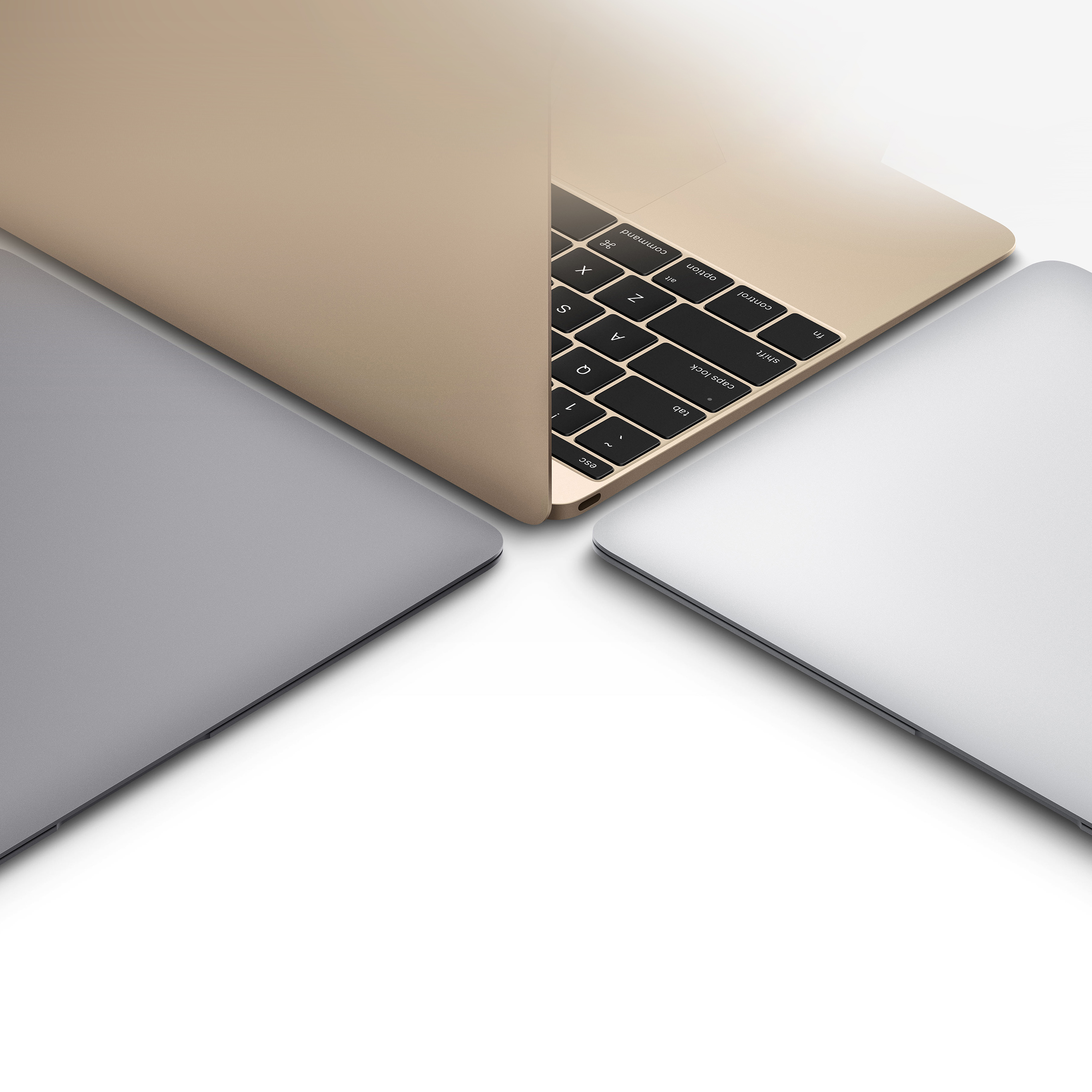
Apple is expected to release a new laptop powered by an iPhone chip, joining the MacBook lineup this year or next as a new low-cost option.

Learn how to receive timely updates for deliveries, sports scores, and more in your Mac's menu bar via the new Live Activities feature on macOS Tahoe.

Learn how to make the Control Center on the Mac your own by adding, removing, rearranging, and resizing toggles to customize it for your workflow.

Learn how to personalize folders on your Mac with color, emoji, and symbols without downloading any apps or editing folder icons manually.

HDMI 2.2 doubles the bandwidth and brings significant new features like 16K video and uncompressed chroma formats, but you'll need new cables and devices.

Learn how to make cellular calls on your iPad and Mac, view missed calls, access favorites and more with Apple's Phone app on iPadOS 26 and macOS Tahoe 26.

Learn how to revert Apple's Liquid Glass design changes for the Mac's menu bar in macOS Tahoe bar by replacing the default frosted look with a solid background.

If you’ve ever worked in an office environment before, then you’re likely familiar with something called an Uninterruptible Power Supply (or UPS for short). They’re sometimes even referred to as battery backups, by those who hate big words.
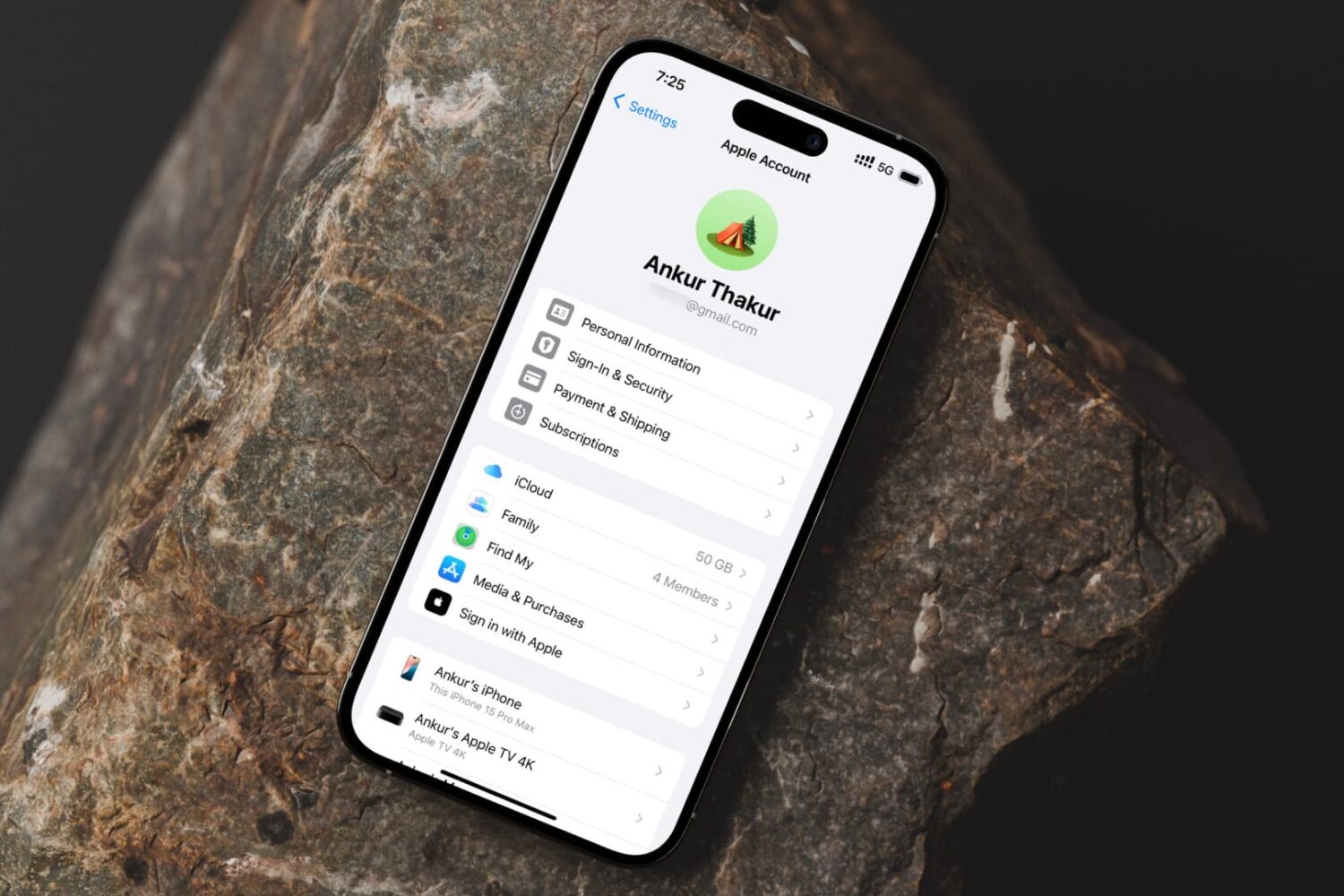
Learn how to remove an email address from your Apple account if you no longer need it for iMessage, FaceTime, App Store, iCloud and other services.

Learn how to fix wrong timestamps or capture dates and times for images and videos in the Photos app on your Apple devices.
