Learn how to set a custom snooze duration for alarms on your Apple devices, other than the default 9-minute snooze that has been in place since the original iPhone.
How to set a custom snooze duration for alarms on iPhone
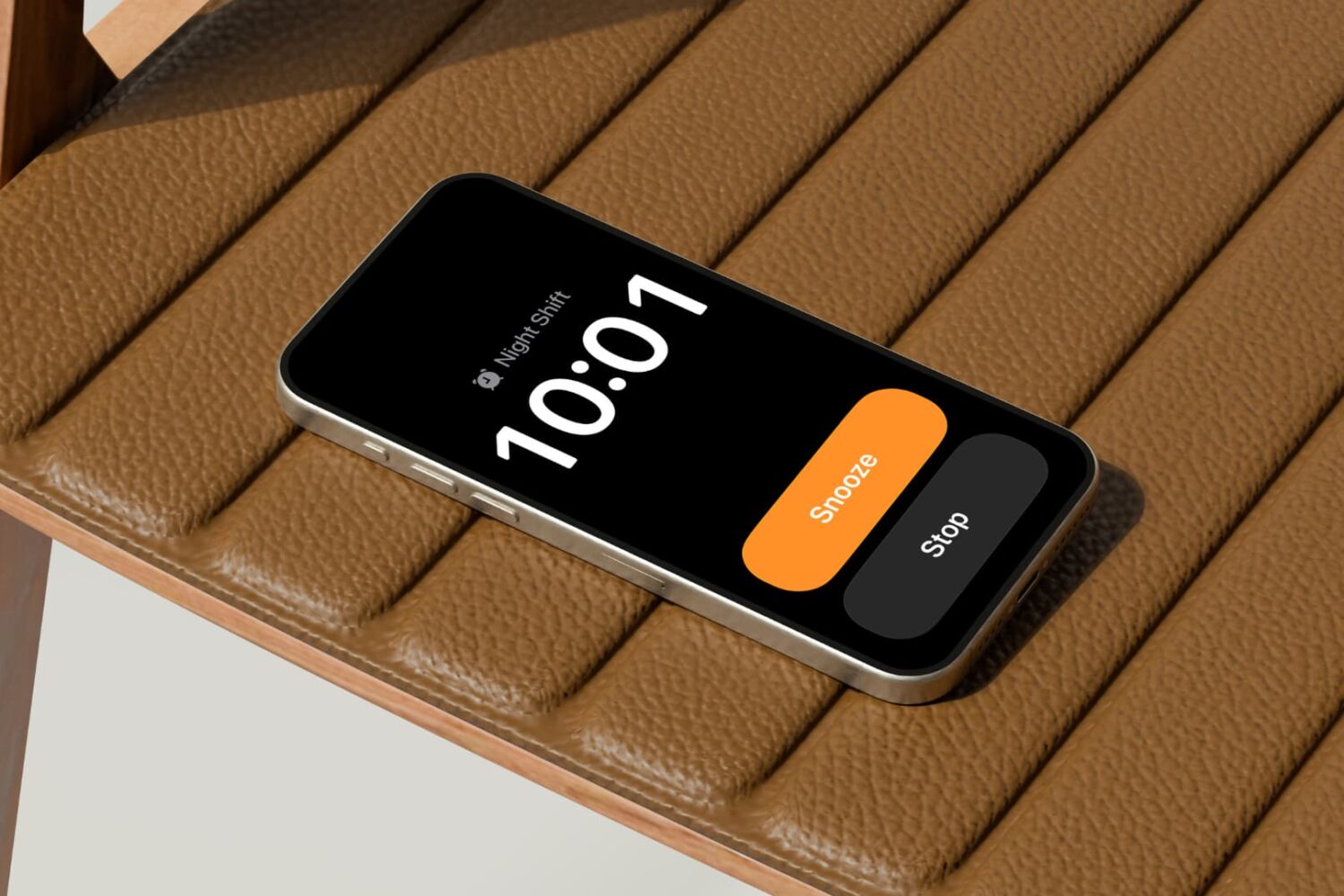
Learn how to set a custom snooze duration for alarms on your Apple devices, other than the default 9-minute snooze that has been in place since the original iPhone.
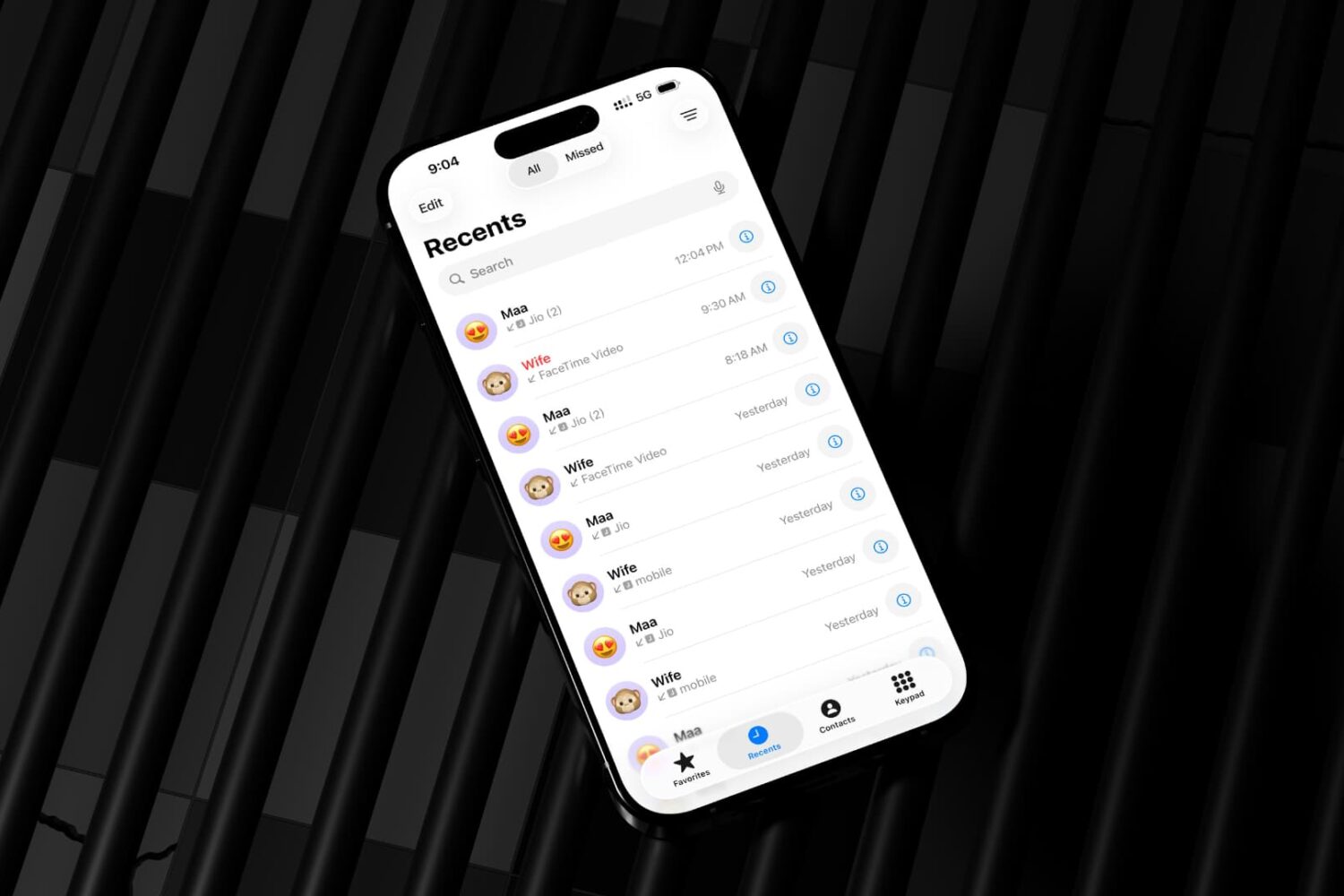
Learn how to revert the classic look for the iPhone's built-in Phone app if you don't like design changes in iOS 26, and switch between the new and old interface.

Learn how to receive timely updates for deliveries, sports scores, and more in your Mac's menu bar via the new Live Activities feature on macOS Tahoe.

Learn how to make the Control Center on the Mac your own by adding, removing, rearranging, and resizing toggles to customize it for your workflow.

Learn how to personalize folders on your Mac with color, emoji, and symbols without downloading any apps or editing folder icons manually.

Take the boring out of your iPhone Home and Lock Screens by applying a vibrant, wavy wallpaper that shows multiple layers in vivid colors.

Learn how to make cellular calls on your iPad and Mac, view missed calls, access favorites and more with Apple's Phone app on iPadOS 26 and macOS Tahoe 26.

Learn how to increase the size of the digital clock on the Lock Screen of your iPhone or iPad to make it easier to read or for visual impact.
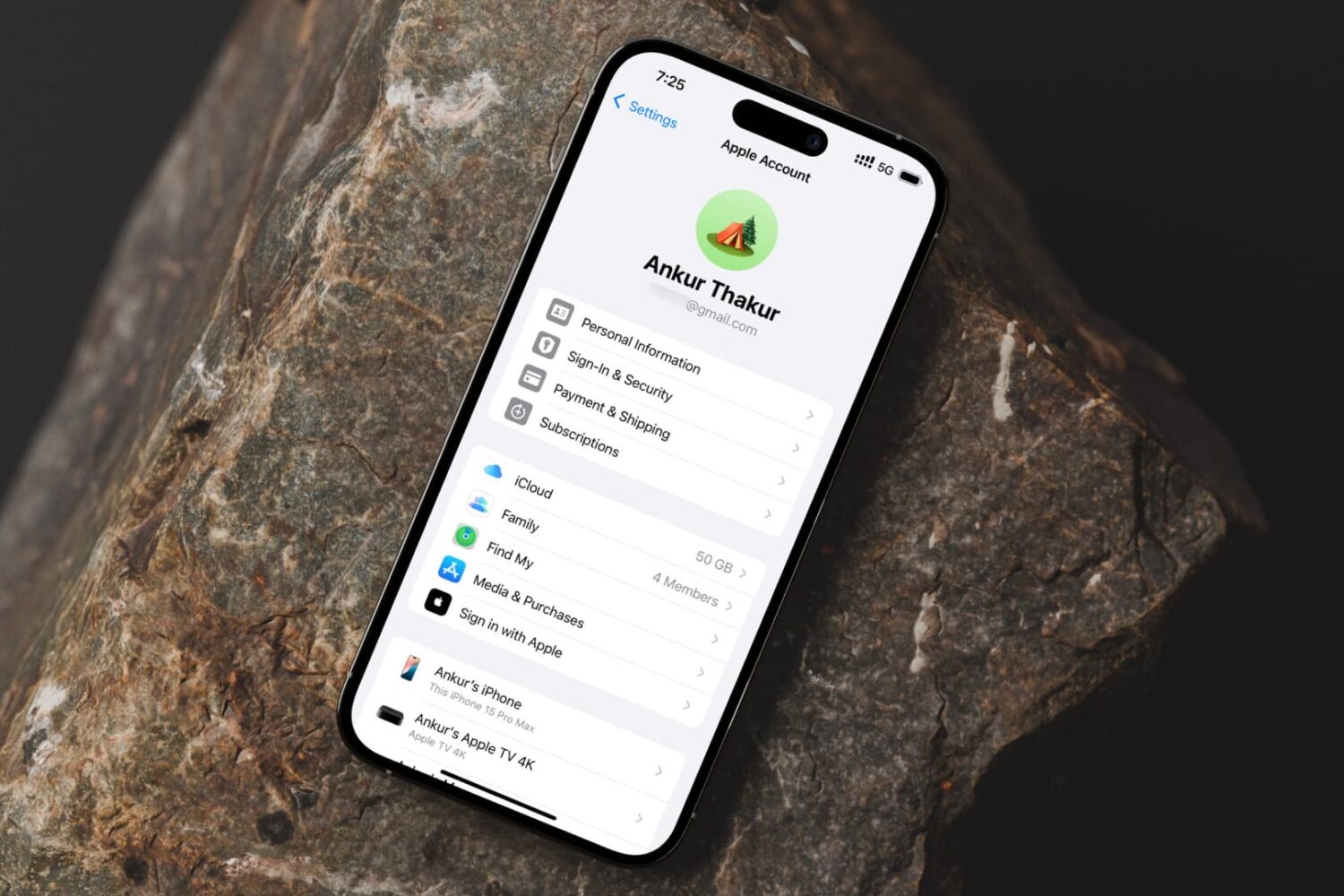
Learn how to remove an email address from your Apple account if you no longer need it for iMessage, FaceTime, App Store, iCloud and other services.

Learn how to fix wrong timestamps or capture dates and times for images and videos in the Photos app on your Apple devices.
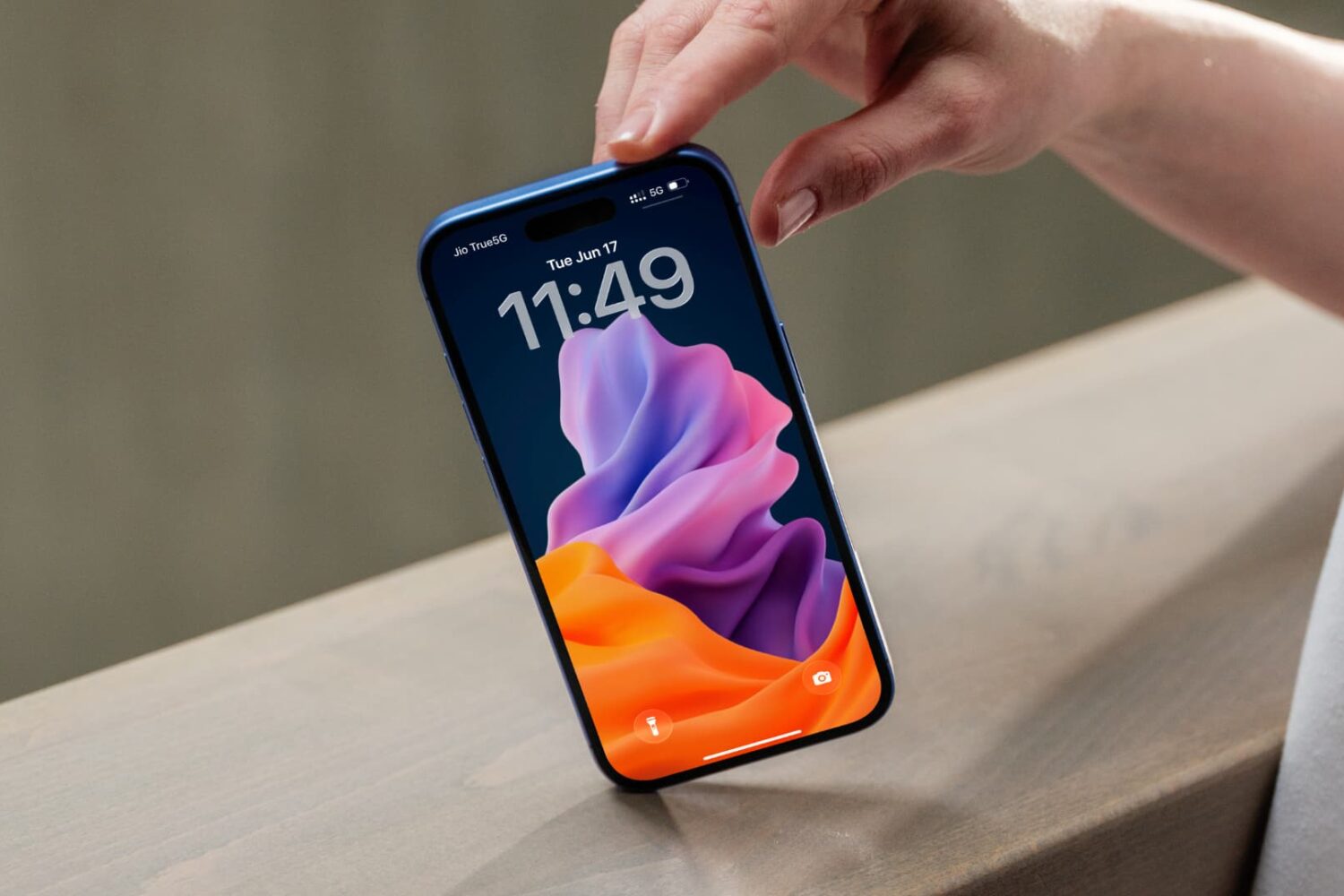
Learn how to turn a still 2D picture into a moving 3D spatial wallpaper on your iPhone to create an immersive Lock Screen experience.
