Learn how to fix wrong timestamps or capture dates and times for images and videos in the Photos app on your Apple devices.
How to fix incorrect time, date, and year in Photos app on your Apple devices

Learn how to master your Apple devices with our comprehensive tutorials. From iPhone and iPad to Mac, Apple Watch, AirPods, and more, our expert guides will help you unlock the full potential of your Apple products. Discover new features, tips, and tricks each day to enhance your user experience.
Learn how to fix wrong timestamps or capture dates and times for images and videos in the Photos app on your Apple devices.
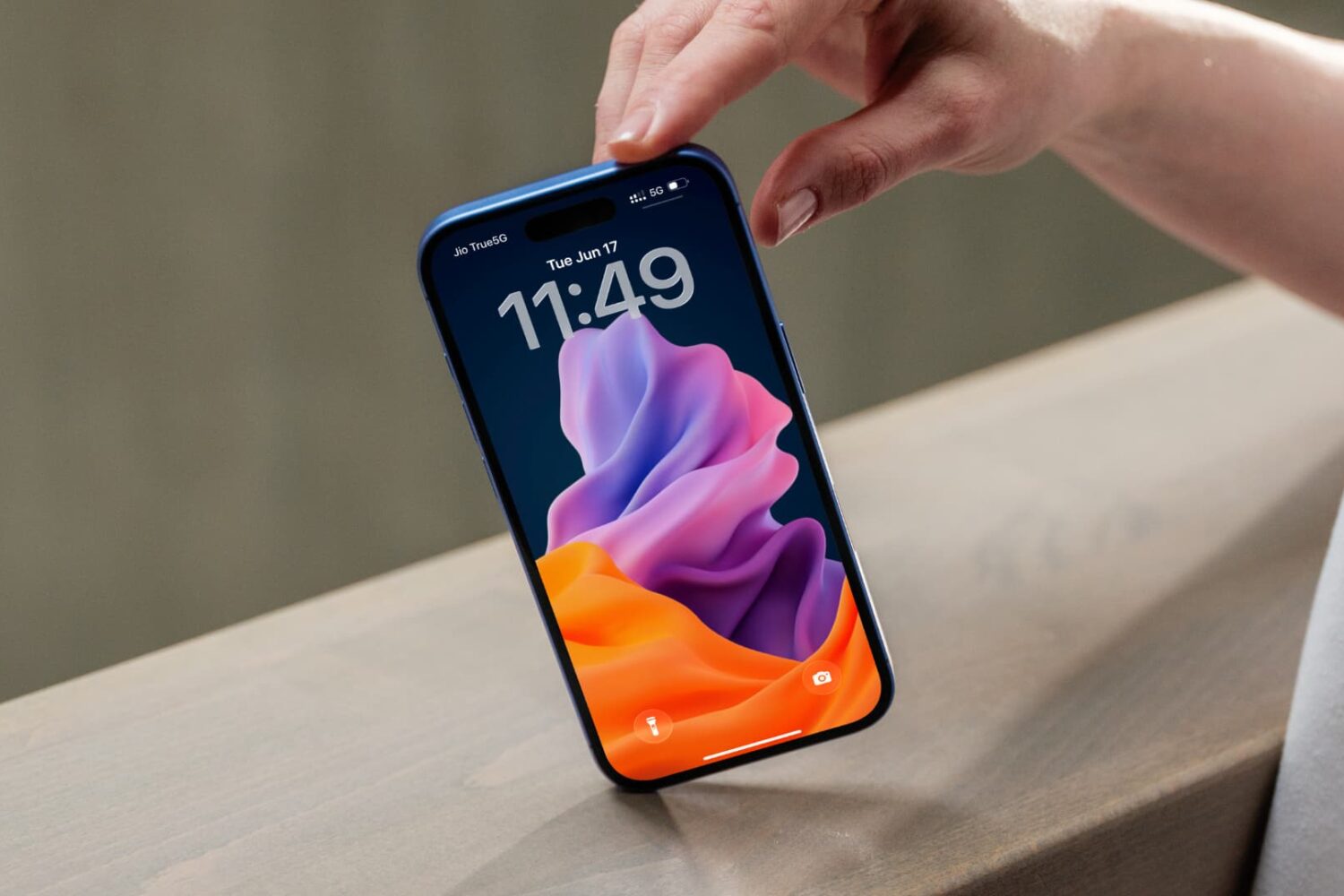
Learn how to turn a still 2D picture into a moving 3D spatial wallpaper on your iPhone to create an immersive Lock Screen experience.

Learn everything about sports mode on CarPlay, which lets apps display real-time stats for live sporting events on the Now Playing interface while streaming audio.

Learn how to stop your iPhone or iPad from automatically opening a full-screen image when taking a screenshot, and display a thumbnail in the screen corner instead, just like it used to be.

Learn how to configure your AirPods to automatically pause audio playback when you fall asleep so your favorite music or podcast won't disrupt your sleep.

Learn how to create a bootable macOS Tahoe beta installer on a USB thumb drive to deploy macOS 26 on multiple Macs without downloading anything.

Learn how to stop incoming notifications for calls, texts and apps from pausing music playback on your iPhone or lowering the volume in your car.

Learn how to download and install the tvOS 26 developer beta on your Apple TV and try out the new features ahead of public release in the fall.

Learn how to see the file name of an image or video in the Apple Photos app on your iPhone or iPad to identify it faster when browsing files.

Learn how to minimize the new Liquid Glass transparency effects across the user interfaces on your iPhone, iPad, Mac, Apple Watch, and Apple TV.

Try these troubleshooting tips if you're having issues when you try to drag and drop items like text, images, and files and between apps on your Mac.
